
As I continue developing AppErgo, I have realized that some tools genuinely help me test the website, identify its weaknesses, and improve it. Some check the code, while others measure performance, crawl all its pages, or analyze its SEO. I have therefore brought together the websites and programs that I find most useful. This article provides a general overview of their main features, and some of them may be covered in more detailed articles later.
All the solutions mentioned here offer useful features for free. Several also provide more complete paid plans, but this article focuses on what a webmaster or independent developer can use without a subscription.
Check the Technical Foundations of a Page
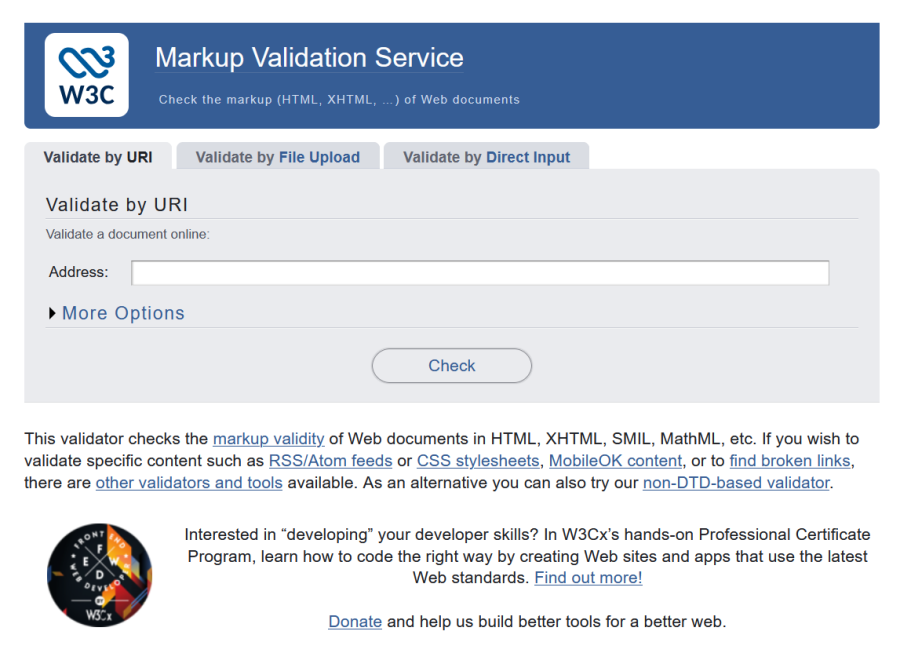
Before measuring performance or running an SEO audit, I begin by checking the document structure and the overall technical quality of the page. The W3C HTML Validator and Lighthouse are two excellent starting points, as they examine different but complementary aspects.
The W3C HTML Validator
The W3C HTML Validator is usually the first tool I use. It checks whether a page’s markup follows HTML rules and can identify an unclosed tag, an invalid attribute, an incorrectly placed element, or an identifier used more than once. You can submit a published URL, upload a file, or paste HTML code directly into its interface.
A page may appear to work correctly while still containing several errors, as browsers often try to correct them automatically. Validation does not guarantee that a website is fast, accessible, or well optimized for search engines, but it provides a cleaner and more predictable technical foundation.
Lighthouse
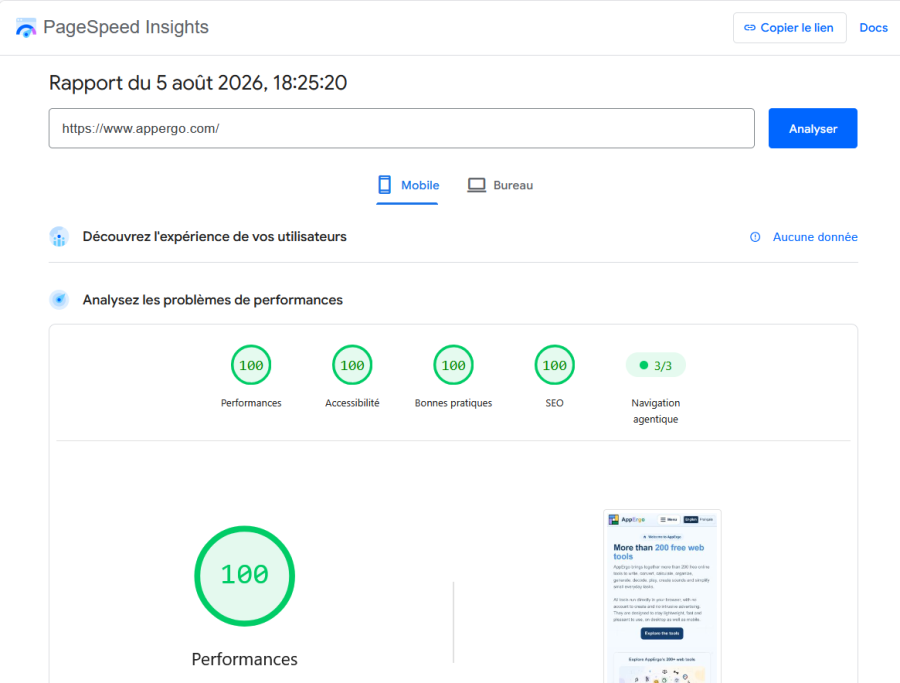
Lighthouse is an auditing tool developed by Google. It is built directly into Google Chrome: on Windows, simply open the developer tools by pressing F12, then select the Lighthouse tab. The report examines four main categories: Performance, Accessibility, Best Practices, and SEO.
Lighthouse is an excellent way to obtain a quick overview of a page. However, its results may vary depending on the computer, installed extensions, and testing conditions. A perfect score is satisfying, but it does not guarantee on its own that the page is flawless or pleasant to use.
Run a Quick Online SEO Check
After completing the fundamental checks, several services can quickly provide a more general analysis of a page. I mainly use them to check the homepage and obtain an additional opinion on its main technical and SEO elements.
SEOptimer
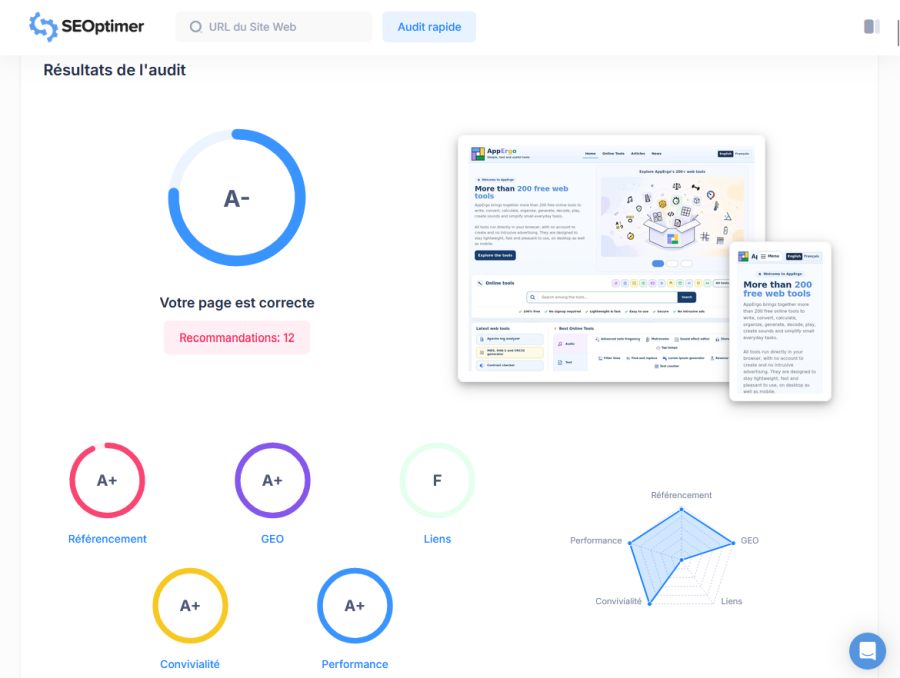
SEOptimer provides an audit covering SEO, performance, usability, and various technical elements. The report is easy to browse: checks are grouped into categories, and detected problems are accompanied by recommendations. The service may highlight a missing metadata element, an oversized resource, or an overlooked technical issue.
Its free analysis remains limited and does not replace Lighthouse or a complete website crawler. It is mainly a quick way to obtain an additional opinion on the homepage or another important page before verifying any reported problems with a more specialized tool.
SEO Site Checkup
SEO Site Checkup follows a similar approach. It performs various checks related to SEO, speed, mobile display, and technical structure. The service examines metadata, structured data, security, crawlability, and internal links, then provides explanations and suggested solutions for the problems it detects.
The free report is not exhaustive, but it can reveal a simple error or an unusual configuration. As with SEOptimer, I mainly consider its results to be leads worth investigating rather than recommendations that should be applied automatically.
Test Loading Speed From Different Locations
A test performed from your own computer does not necessarily reflect the experience of visitors located in other countries. The distance from the server can have a significant effect on loading time. The following services make it possible to test a page from different locations and examine its size, number of requests, and detailed loading process.
Uptrends
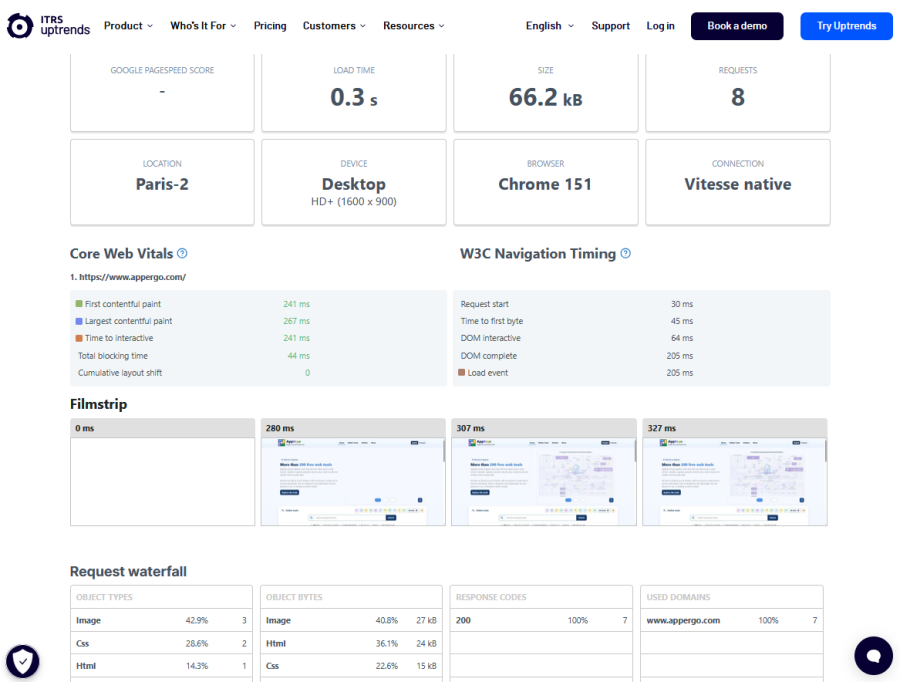
Uptrends is the free service I find most useful in this category. It allows you to select a location, browser, screen resolution, and different connection conditions. The report displays the loading time, page size, number of requests, and a detailed waterfall showing the order in which files are loaded.
Uptrends has helped me compare AppErgo’s performance from Europe, North America, Asia, and Oceania. It is particularly useful for measuring the effect of geographical distance and observing the improvements achieved after implementing a CDN.
KeyCDN Tools
KeyCDN Tools brings together several free tools related to performance, networking, and DNS. Its speed test loads a page from different locations and displays the total loading time, page size, number of requests, and a waterfall. It also allows you to examine HTTP headers and quickly identify a slow or unavailable resource.
The website also provides ping, DNS, traceroute, compression, and protocol support tests. It is slightly more technical than Uptrends, but it provides a useful collection of tools that can be accessed without an account and used to investigate a specific problem.
GTmetrix
GTmetrix is one of the best-known performance testing services. Its report includes Web Vitals metrics, a request waterfall, and a visual representation of the page loading process. Its clear interface makes it relatively easy to identify the resources responsible for a slowdown.
However, I find its free version less useful than Uptrends. Locations, options, the number of tests, and several monitoring features are limited. GTmetrix remains useful for obtaining an additional report, but much of its value becomes available mainly through its paid plans.
Crawl an Entire Website With Dedicated Software
The previous services generally analyze one page at a time. When a website contains dozens or hundreds of pages, it becomes necessary to use a crawler. This type of software automatically follows links and reports errors found throughout the website.
Screaming Frog SEO Spider
Screaming Frog SEO Spider is one of the most highly regarded SEO crawlers. It is installed on your computer and then crawls the website from the URL you provide. It can identify broken links, HTTP errors, redirects, missing or duplicate titles, canonical tags, and indexing directives.
Its interface may seem intimidating at first, but its many filters become extremely effective once you understand the main tabs. The free version can crawl up to 500 URLs per audit. This is already very useful for a small website, although the limit can be reached quickly when the crawler also discovers images, scripts, or redirects.
Beam Us Up
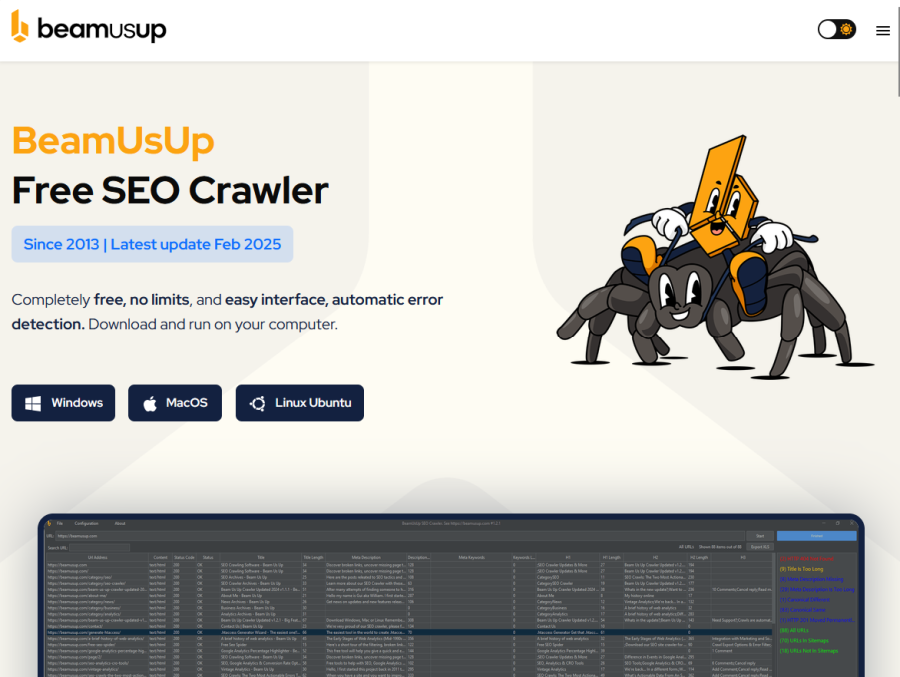
Beam Us Up is a lesser-known but particularly interesting alternative. Like Screaming Frog, it crawls a website and detects broken links, HTTP errors, redirects, and various markup problems. Its interface is simpler and directly highlights the main errors.
Its main advantage is that it is completely free and advertised as having no crawl limit. It can therefore analyze a website containing far more than the 500 URLs allowed by the free version of Screaming Frog. After adding a Google API key, Beam Us Up can also retrieve PageSpeed scores for the crawled pages, making it easier to identify those that perform less well.
Monitor SEO and Backlinks
A local crawler mainly analyzes the internal structure of a website. It does not necessarily have information about links coming from other domains or the keywords associated with its pages. Platforms such as Ahrefs and Semrush add this external perspective through their own crawlers and databases.
Ahrefs Webmaster Tools
Ahrefs Webmaster Tools provides free access to several Ahrefs features for websites whose ownership can be verified. Its Site Audit tool crawls pages and reports broken links, indexing problems, redirects, duplicate content, and many other technical issues.
Each verified project currently receives 5,000 crawl credits per month, making it possible to monitor a website containing hundreds or thousands of pages regularly. Ahrefs also provides information about backlinks and keywords. In its free version, it is clearly the platform I find most useful for a webmaster looking to optimize their own website.
Semrush
Semrush is another major platform dedicated to SEO, keywords, backlinks, and visibility analysis. Its Site Audit tool examines crawlability, indexing, internal links, HTTPS, and performance, then ranks detected problems according to their importance.
Semrush is very comprehensive, but its free access is much more restrictive. It currently allows up to 100 URLs to be crawled, which may be enough for a small website or a selection of important pages, but quickly becomes insufficient for a larger project. Semrush remains useful for obtaining a second opinion, but Ahrefs seems much more advantageous to me for free use.
A Free Outsider Worth Discovering
Most online auditing tools are commercial services. WebAudits.org takes a different and broader approach that is not limited to traditional SEO.
WebAudits.org
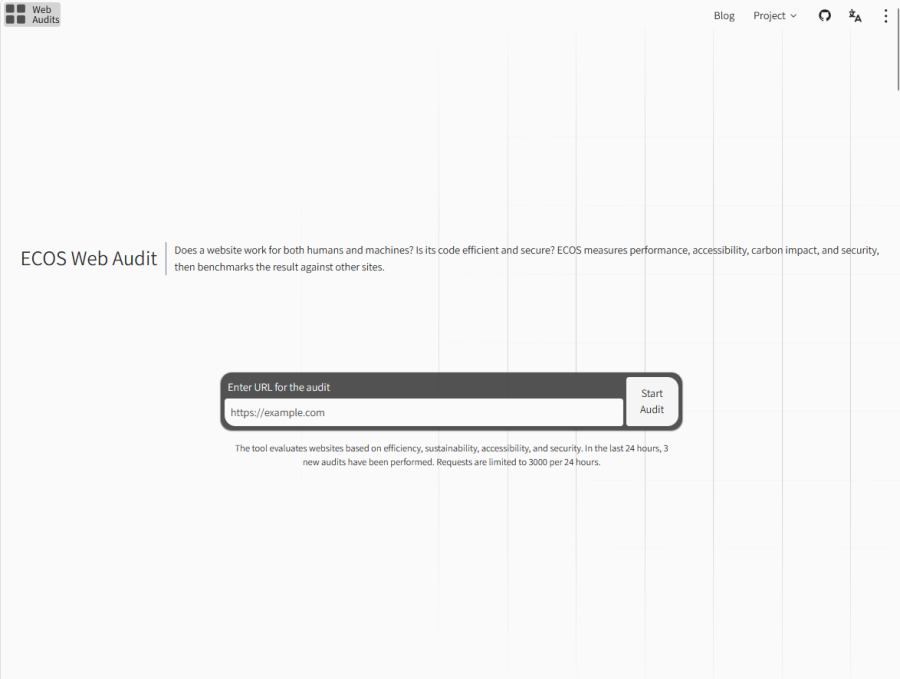
WebAudits.org is an open-source, non-profit initiative. It evaluates websites using four categories grouped under the name ECOS: Efficient, Clean, Open, and Safe. These categories cover performance, environmental impact, accessibility, open standards, and security.
The service combines its findings into an overall score and compares the result with those of other websites in its database. WebAudits.org does not replace Lighthouse, a crawler, or an SEO platform, but its different approach makes it an interesting complementary tool. The project still appears to be fairly recent, but it is completely free and worth discovering.
Speed Up a Website With a CDN
Once files have been optimized and the main technical problems corrected, it is still possible to improve how the website is delivered by using a CDN. This type of service can notably reduce loading times for visitors located far from the main server.
What Is a CDN Used For?
A CDN, or content delivery network, uses servers distributed across several regions of the world. These servers can store copies of a website’s images, stylesheets, scripts, and sometimes its pages. When a visitor connects, some resources can then be delivered from a geographically closer server.
This proximity reduces latency and can significantly improve loading times for visitors located far from the origin server. However, a CDN does not replace website optimization: an oversized image or a blocking script will remain problematic, even when it is delivered more quickly.
Cloudflare’s Free Plan
Cloudflare is one of the best-known CDN providers. Its free plan is particularly suitable for personal websites and small projects. Once the domain has been configured, traffic passes through Cloudflare’s network before reaching the origin server, allowing certain resources to be cached and some malicious traffic to be filtered.
The free plan includes a global CDN, a universal SSL certificate, and protection against denial-of-service attacks. In AppErgo’s case, Cloudflare mainly improved loading times in regions located far from its French hosting server. However, configuration requires some care, as an incorrectly configured cache rule may retain an outdated version of a page or file.
Conclusion
No single tool can analyze every aspect of a website. The W3C Validator checks HTML, Lighthouse examines the overall quality of a page, while SEOptimer and SEO Site Checkup provide complementary quick checks. Uptrends, KeyCDN Tools, and GTmetrix measure loading performance from external locations, while Screaming Frog and Beam Us Up crawl the entire website.
Ahrefs and Semrush add information about SEO and backlinks, although Ahrefs seems considerably more useful to me in its free version. WebAudits.org provides a different perspective, while Cloudflare can improve international content delivery through its free CDN. All these tools remain decision-making aids: the most important thing is to understand their results, confirm the detected problems, and gradually improve the experience offered to visitors.