
Randomness can be useful for much more than rolling a die. Picking a winner from a list of participants, determining a speaking order, creating teams, shuffling questions, drawing a card or choosing between several possibilities are all situations that rely on random selection. AppErgo’s Random category brings together 30 tools designed for these different uses. Some reproduce familiar objects such as a coin, a card or a die, while others work directly with lists to run draws, create groups or generate a new random order.
Choose between several possibilities
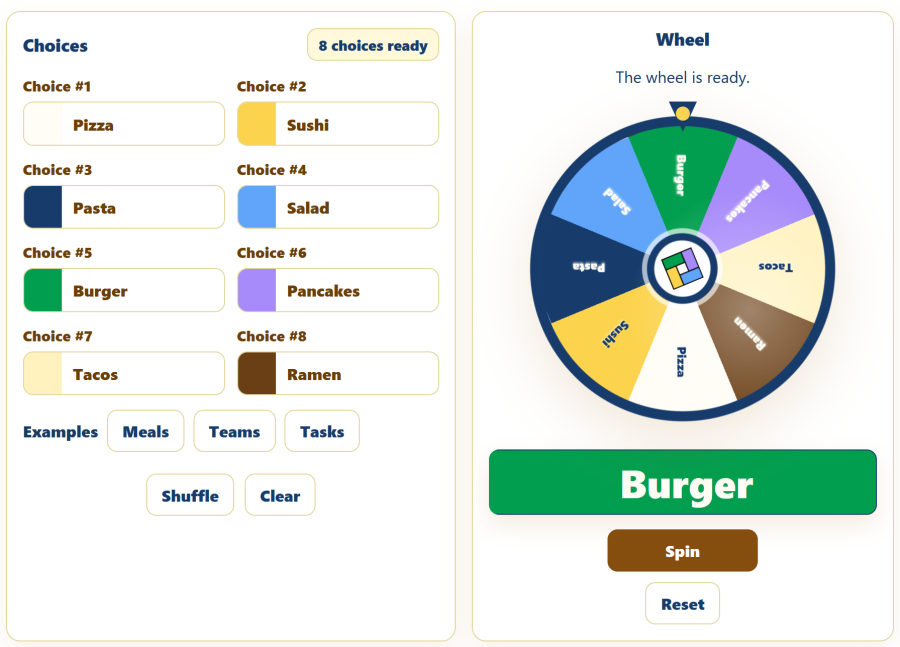
The Random Wheel makes the choice more visual. Between two and eight possibilities can be placed on a colored wheel, which spins before stopping on one of them. This format is particularly useful when the draw should be visible to several people, when you want to add a little suspense, or simply when choosing an activity, task or option in a more playful way.
Each section of the wheel has the same importance. When some possibilities should deliberately have a greater chance of being selected, the Weighted Random Picker is more appropriate. Each option receives a relative weight: with weights of 4 and 1, the first option has four times the chance of being selected. This principle can be used for reward tables, events of varying rarity in a game, or any selection where the available choices should not have equal probabilities.
For a collection of words, ideas or short phrases, the Random Word tool lets you enter your own suggestions and select one at random. Despite its name, each line can contain a word, a name, an expression or a short instruction. It can therefore be used to choose a drawing theme, a writing constraint, a location for a story or a question for an activity.
Pick winners, shuffle and divide a list
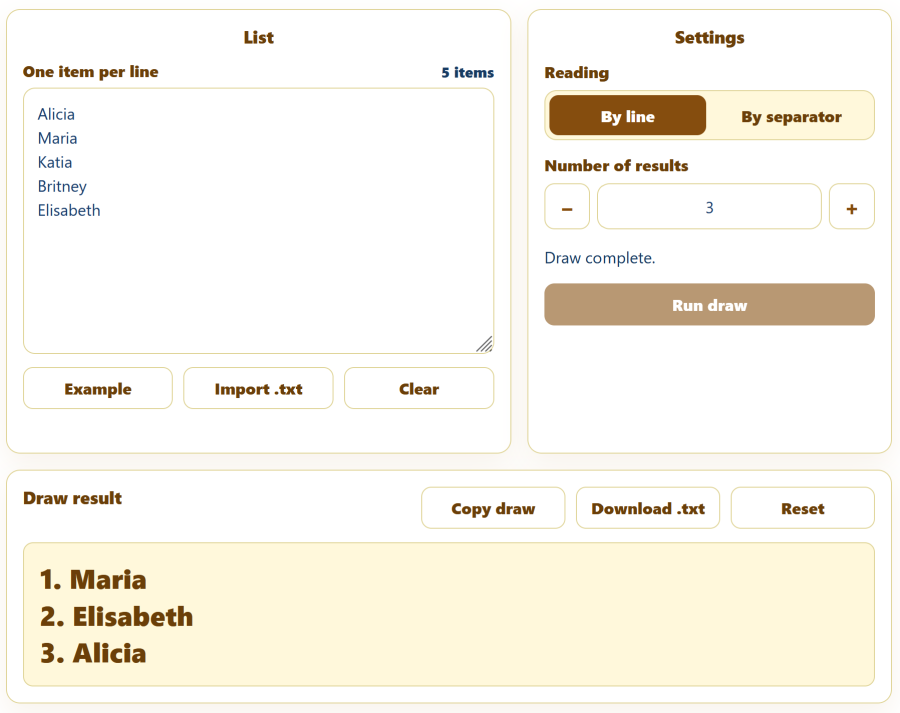
The Random Picker is the most general tool when you already have a list of participants, names or options. Each line can represent one entry, but a custom separator can also be used. You can then choose one or several results. The draw is performed without duplicates: if three winners are requested, three different entries are selected. Duplicate entries in the original list can also be ignored so that the same person does not receive extra chances simply because their name appears several times.
The List Shuffler serves a different purpose. Instead of selecting only part of a list, it keeps every item and changes their order. It can be used to shuffle questions, rearrange exercises, randomize tasks or change the order of a playlist. The result can be displayed with or without numbering.
When a ranking is exactly what you need, the Random Order Generator automatically numbers all participants from first to last. A list can be entered directly or imported from a TXT file, making it useful for determining the order of presentations, tournaments, workshops or any activity involving several people.
The Random Team Generator goes one step further by dividing participants into 2 to 12 groups. The list is shuffled and then distributed so that the teams are as close as possible in size. This is strictly a numerical balance: the tool knows nothing about the participants’ skill level, age or other characteristics. It is therefore suitable for classes, workshops, sports activities, parties or work groups when a simple random distribution is required.
Numbers, cards and simple decisions
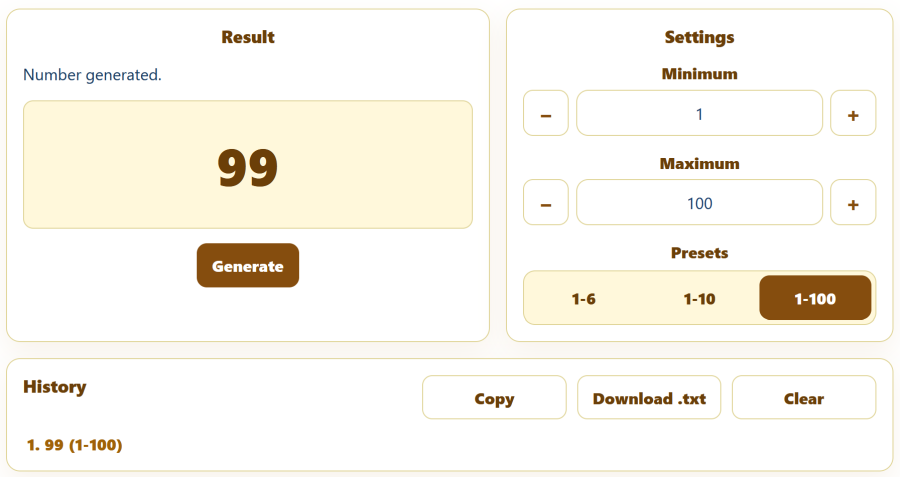
When you only need an integer within a range, the Random Number Generator avoids having to enter a complete list. Both the minimum and maximum values are included: a range from 1 to 80 can therefore return any integer between 1 and 80. Presets provide quick access to common ranges such as 1 to 6, 1 to 10 or 1 to 100, and successive results remain available in a session history.
The Lottery Number Picker uses a similar principle when several distinct numbers are required. You can choose how many values should be selected and the maximum number, without allowing the same result to appear twice in a combination. Values can be displayed in their actual draw order or sorted afterward in ascending order. It is, of course, a random draw simulator and not a tool capable of predicting the results of a real lottery.
The Random Card tool simulates a standard 52-card deck. Cards can be drawn with replacement, in which case the same card may immediately appear again, or without replacement, which temporarily removes it from the deck. This distinction makes it possible both to reproduce a conventional card draw and to illustrate two different ways of organizing a random experiment.
For just two possibilities, Heads or Tails simulates a virtual coin toss and can also perform short series of several tosses. The Yes or No tool simplifies the idea even further: one click simply returns one of the two answers. This tool is obviously intended for games or harmless indecision, not to provide advice for important real-world decisions.
Roll one or several dice
AppErgo offers several approaches depending on the type of roll you need. The Dice Roller reproduces a single six-sided die with the traditional dot display. Each result is added to a history, while statistics show how often each of the six faces has appeared during the session.
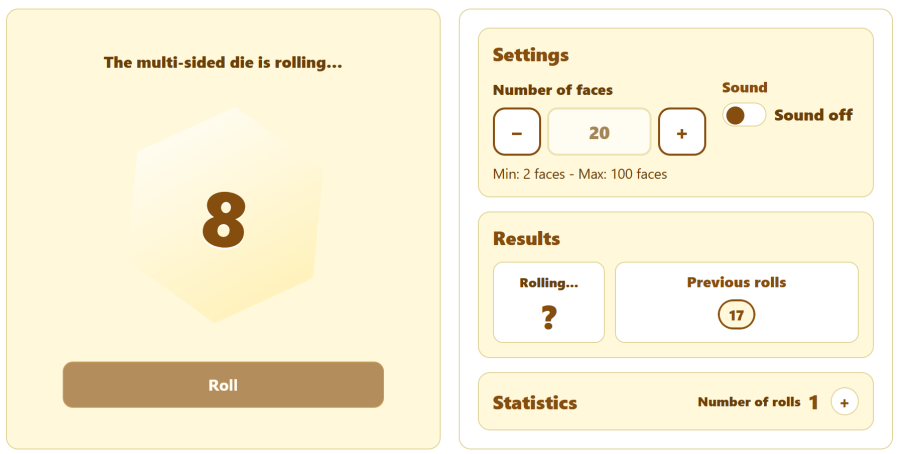
The Multi-Sided Dice Roller lets you freely choose between 2 and 100 sides. It can therefore be used as a standard d4, d8, d10, d12 or d20, but also as a less common die with a custom number of possible results. The history and statistics adapt to the selected number of sides.
The Multiple Dice Roller covers another common situation: rolling between 2 and 12 six-sided dice at the same time. Each value is displayed separately and their total is calculated automatically. If four dice produce 3, 6, 2 and 5, for example, the total of 16 is shown immediately.
In addition, 13 dedicated rollers let you open exactly the die you need: d2, d3, d4, d5, d6, d8, d10, d12, d16, d20, d24, d30 and d100. These pages deliberately keep things simple: the type of die is already defined and one click is enough to generate a result.
The notation used in games simply indicates the number of sides. A d6 produces a value from 1 to 6, a d20 from 1 to 20 and a d100 from 1 to 100. When a number appears before the letter, it indicates how many dice should be rolled: 3d6, for example, means rolling three six-sided dice, an operation for which the Multiple Dice Roller is particularly suitable.
More playful random tools
Some tools use randomness mainly as the basis for a small game. Rock Paper Scissors follows the classic rules against an opponent whose choice is generated randomly. Previous rounds remain in the history and counters track wins and losses. There is no artificial intelligence attempting to anticipate the player: each of the three signs is simply chosen at random.
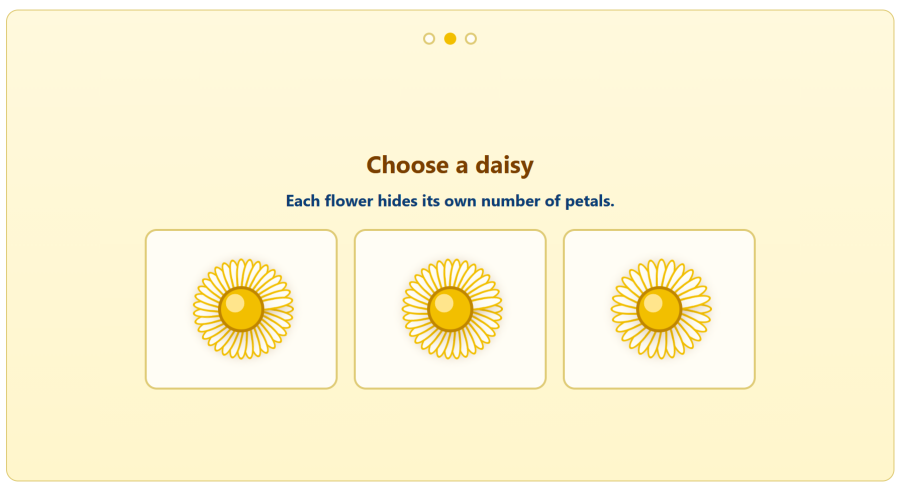
Loves Me, Loves Me Not recreates the traditional game of removing the petals from a flower until the final answer is revealed. The number of petals varies so that the result is not predetermined by using the same flower every time. Unlike a simple Yes or No tool, the appeal here lies mainly in the little ritual and animation of the draw.
Choose the right type of random selection
Several of these tools may seem similar, but they do not produce the same kind of result. A random picker selects only a few items; a list shuffler keeps the entire list but changes its order; a random order generator turns that list into a ranking; and a team generator divides it into groups. Similarly, a weighted selection deliberately gives some options a greater chance of being chosen, while a standard random draw normally treats all possibilities equally.
The difference between drawing with and without replacement is also important. With replacement, a selected result remains available and can immediately appear again. Without replacement, it is removed from the remaining possibilities. This is what makes it possible, for example, to select several different winners or draw several distinct cards from a deck.
It is also worth remembering that random does not mean perfectly balanced over a small number of trials. Ten coin tosses do not necessarily produce five heads and five tails, just as six die rolls do not have to show every face exactly once. Equal probability applies to each individual draw; observed frequencies generally move closer to their theoretical values only as the number of trials increases.
Simple, fast and local random tools
The Random category deliberately brings together several specialized tools rather than one complex generator: picking winners, shuffling a list, creating teams, rolling different dice or making a selection with unequal probabilities are not exactly the same task.
Draws, lists, histories and statistics are processed directly in the browser. A list of students used to create teams, names entered to determine a speaking order or choices added to a wheel therefore do not need to be sent to AppErgo’s server to produce the result. All 30 tools are available for free in AppErgo’s Random category, with no account or installation required.