
Measuring how long a task takes, starting a countdown, finding out when to begin in order to finish at 6 p.m., or adding several durations are quite different operations. Yet they all involve working with time, whether that means measuring it as it passes or simply performing a calculation. AppErgo’s Time category brings together 12 tools designed for these different uses. Some operate while time is actually passing, such as the stopwatch, timers and alarm. Others instantly perform calculations involving hours, minutes, seconds and days.
Measure a duration or start a countdown
The Stopwatch starts from zero and measures the time that actually passes. It is useful when the duration of an activity is not known in advance: a work session, exercise, reading session, test or technical task. It can be paused and resumed, while laps make it possible to record intermediate stages without losing the total elapsed time. Each lap has its own duration, making it possible, for example, to compare several consecutive sets or stages.
The Simple Timer works the other way around. The duration is known in advance and the tool counts down to zero. It can be set directly in hours, minutes and seconds, with the display then focusing on the remaining time. When the countdown ends, a fixed or flashing visual alert can be accompanied by a sound. It is particularly useful for breaks, cooking, exercises or short timed work sessions.
The Countdown Timer follows the same principle but provides additional information. Presets of 3, 5, 10 and 60 minutes make it possible to start quickly, while a custom duration can also be entered. In addition to the remaining time, the tool displays progress, the percentage already elapsed and the time used. The Simple Timer therefore focuses on simplicity, while the Countdown Timer is better suited when you want to follow the progress of a session.
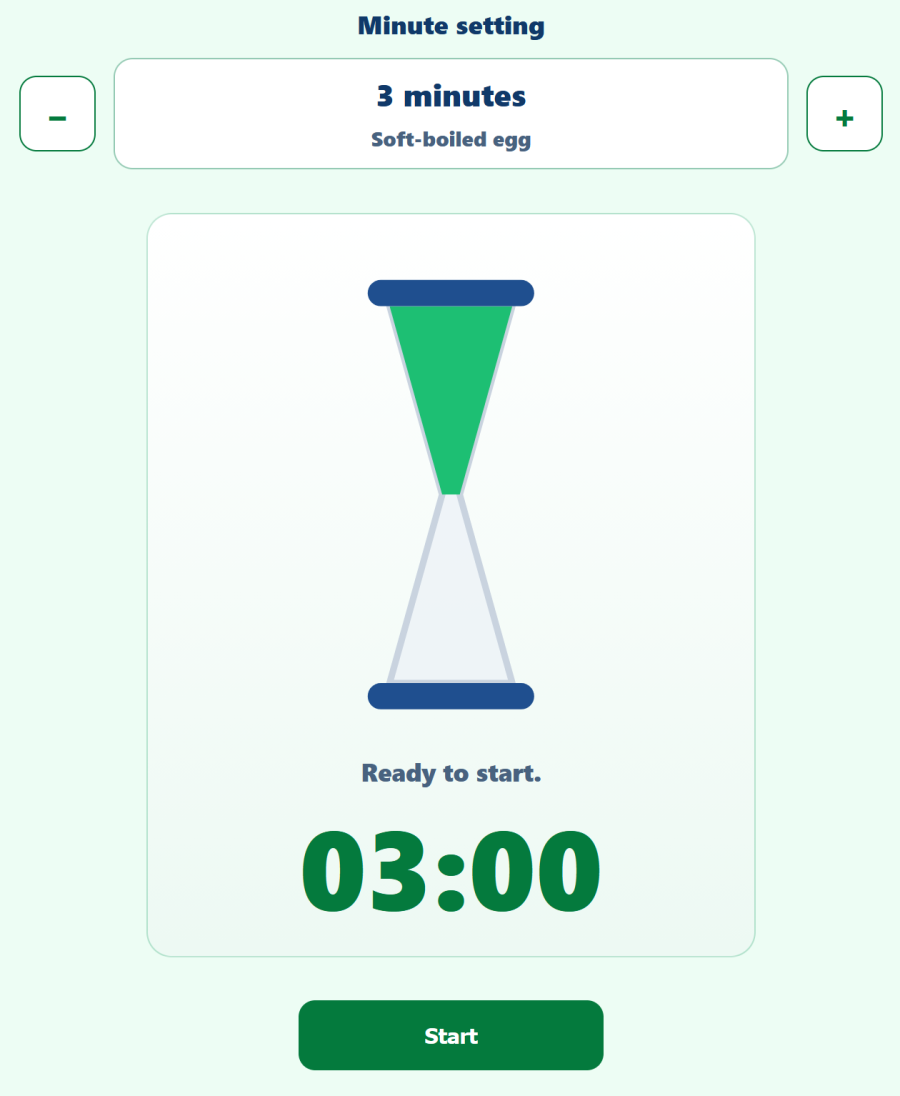
The Hourglass Timer offers an even more visual approach. Its duration is set in whole minutes and it is mainly intended for short countdowns where second-by-second precision is unnecessary. It can be used as a visual reference for a break, cooking or a short period of concentration. A few indicative egg-cooking times are also provided, from soft-boiled to hard-boiled eggs.
Set an alarm for a specific time
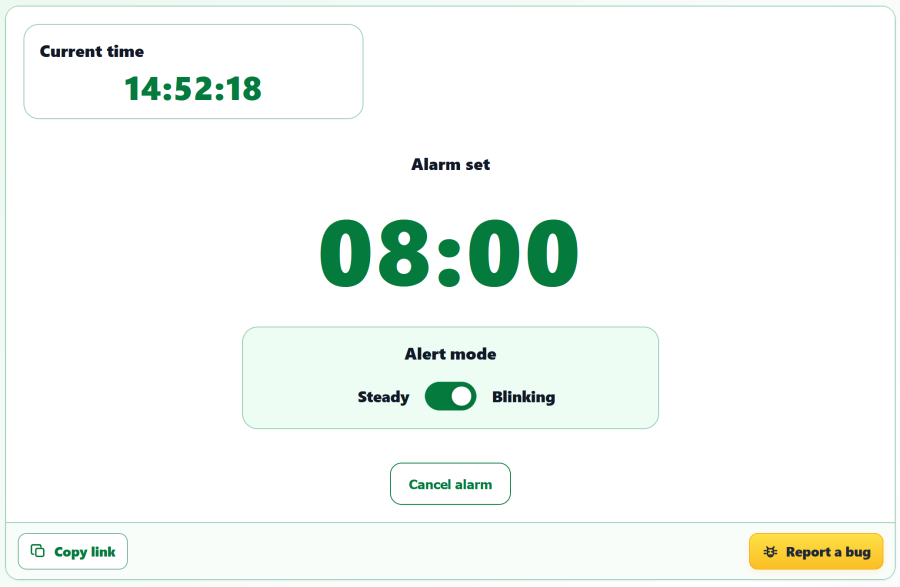
The Visual Alarm works differently from the timers. Instead of entering a duration such as “in 20 minutes,” you directly choose the time at which the alert should appear. It uses the local time provided by the device and browser and can quickly be set starting from the current time.
The alert is deliberately visual: it can remain fixed or flash, but it does not produce a sound, vibration or system notification. This can be useful during a meeting, in a library or in a quiet working environment. As with timers running inside a web page, however, the tab must remain open, and the tool should not be considered an alert system for critical deadlines.
Add, convert, divide and multiply durations
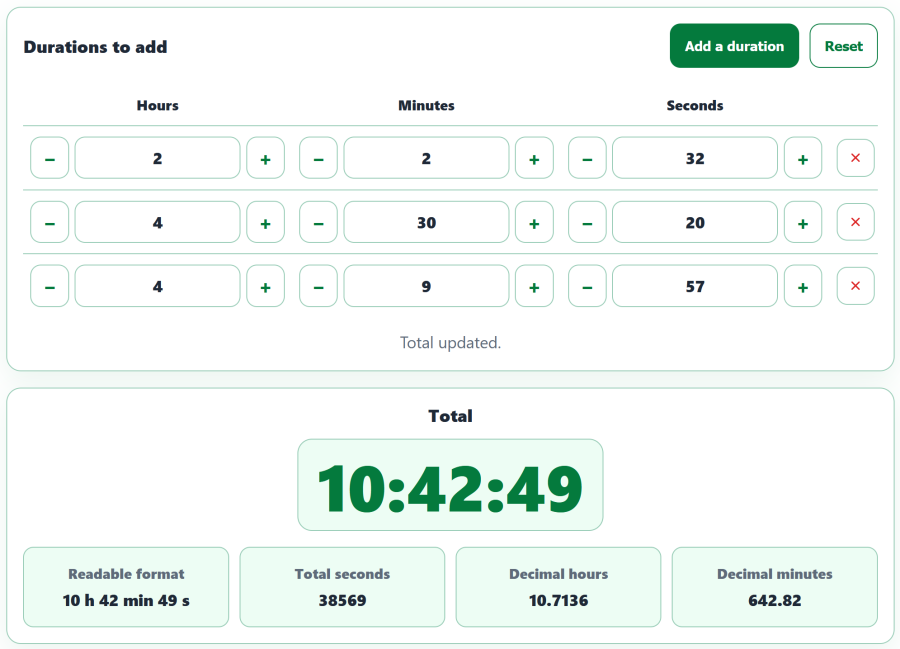
The Duration Adder calculates the total of several intervals expressed in hours, minutes and seconds. It automatically handles conversions between units: 60 seconds become one minute and 60 minutes become one hour. An addition such as 1 h 20 min 30 s + 45 min 50 s therefore directly produces 2 h 06 min 20 s. Multiple rows can be added, making it useful for totaling work sessions, journeys, pieces of music, video sequences or different stages of a schedule.
The Duration Converter displays the same amount of time in several formats. It accepts seconds, minutes, hours and the combined H:M:S and D:H:M:S formats. You can therefore enter 110 minutes directly to obtain 1 hour 50 minutes, or 3,600 seconds to see the equivalent in minutes and hours. Values do not need to be normalized before being entered: the tool performs the conversions automatically.
The Duration Divider splits a total duration into several parts. A 30-minute meeting with three speakers can therefore be divided into three 10-minute periods. When the division does not result in an exact number of seconds, the tool also indicates the remainder so that the complete duration can still be distributed accurately.
The Duration Multiplier performs the complementary operation: it calculates how much time is represented by repeating the same duration several times. Eight exercises lasting 45 seconds each, for example, represent 6 minutes in total. It is particularly useful for sets, cycles, rotations or repetitive tasks. When all durations are different, the Duration Adder is more appropriate.
Calculate an interval, start time or end time
The Time Between Two Hours tool calculates the interval separating two specific times. An activity starting at 09:15:00 and ending at 11:45:00 therefore represents a duration of 02:30:00. Unlike the previous tools, the values entered here represent specific positions within a day rather than abstract amounts of time.
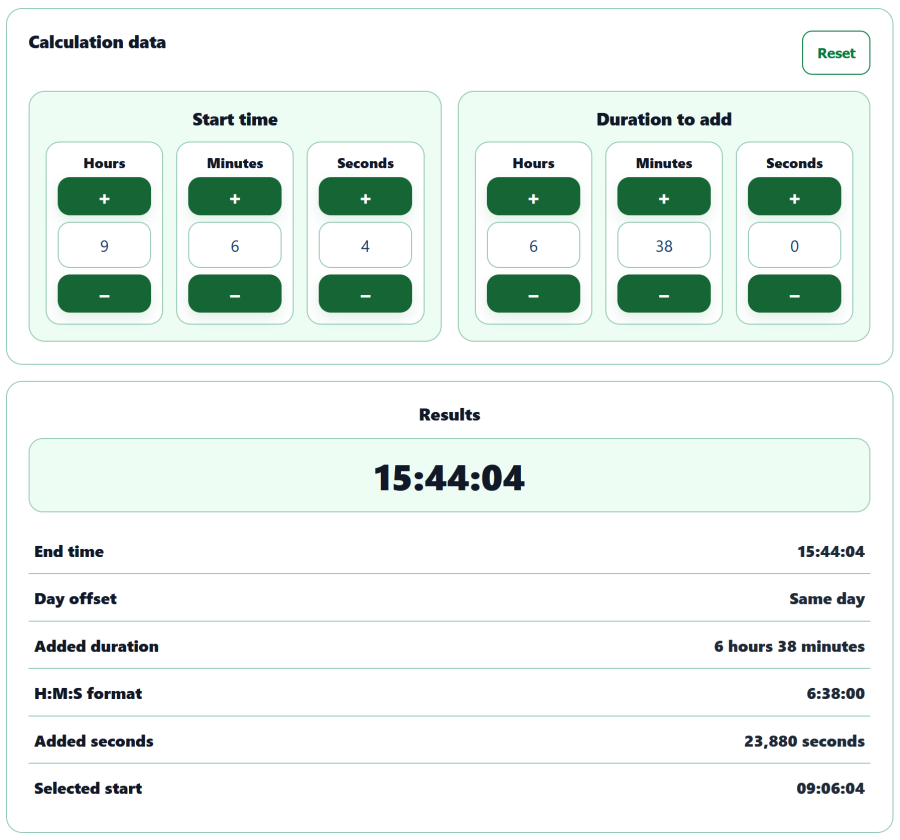
With the End Time Calculator, the start time and duration are known, but not the time at which the activity will end. A task starting at 14:30 and lasting 2 hours 15 minutes, for example, will finish at 16:45. If the duration extends beyond midnight, the tool also indicates the day offset so that an end time on the same day, the next day or several days later can be clearly distinguished.
The Start Time Calculator performs the reverse calculation. When the end time and duration are known, it determines when the activity needs to begin. If a journey takes 45 minutes and arrival is required at 8:30, for example, the tool immediately calculates the necessary departure time. As with the End Time Calculator, the result can fall on the previous day or several days earlier when the duration requires it.
These three tools therefore answer different but complementary questions: start time + duration = end time, end time − duration = start time, while comparing two times directly provides the duration between them.
A duration and a time of day are not the same thing
This distinction explains many of the difficulties involved in time calculations. 14:30 can represent a specific time of day, while 14 h 30 min can represent a duration. A clock returns to 00:00 after 23:59, whereas a duration can easily exceed 24 hours and extend over several days.
Time units also do not follow a uniform decimal system: one minute contains 60 seconds, one hour contains 60 minutes and one day contains 24 hours. As a result, 2 h 30 corresponds to 2.5 hours, but 2 h 50 does not correspond to 2.50 hours. Duration calculators avoid these intermediate conversions and manual carryovers between seconds, minutes, hours and days.
Simple, fast and local time tools
The Time category ultimately brings together two main families of tools: those that follow time as it actually passes, such as the stopwatch, timers, hourglass and alarm, and those that instantly perform duration or time calculations. Several can naturally be combined, for example to calculate the total duration of a session and then use a timer while it is taking place.
All calculations and processing are performed directly in the browser. This makes it possible to measure a duration, prepare a schedule or perform a conversion without installing an application, opening a spreadsheet or manually recalculating hours, minutes and seconds. All 12 tools are available for free in AppErgo’s Time category, with no account or installation required.